The DanceUp Platform
One platform, four doors
Not four separate products loosely connected — one platform with four doors into the same backend, the same accounts, and the same data. A class created, a booking made, or a check-in scanned is visible everywhere else that needs to see it, instantly.
Studio side
Web · studios.danceup.app
Studio Owners App
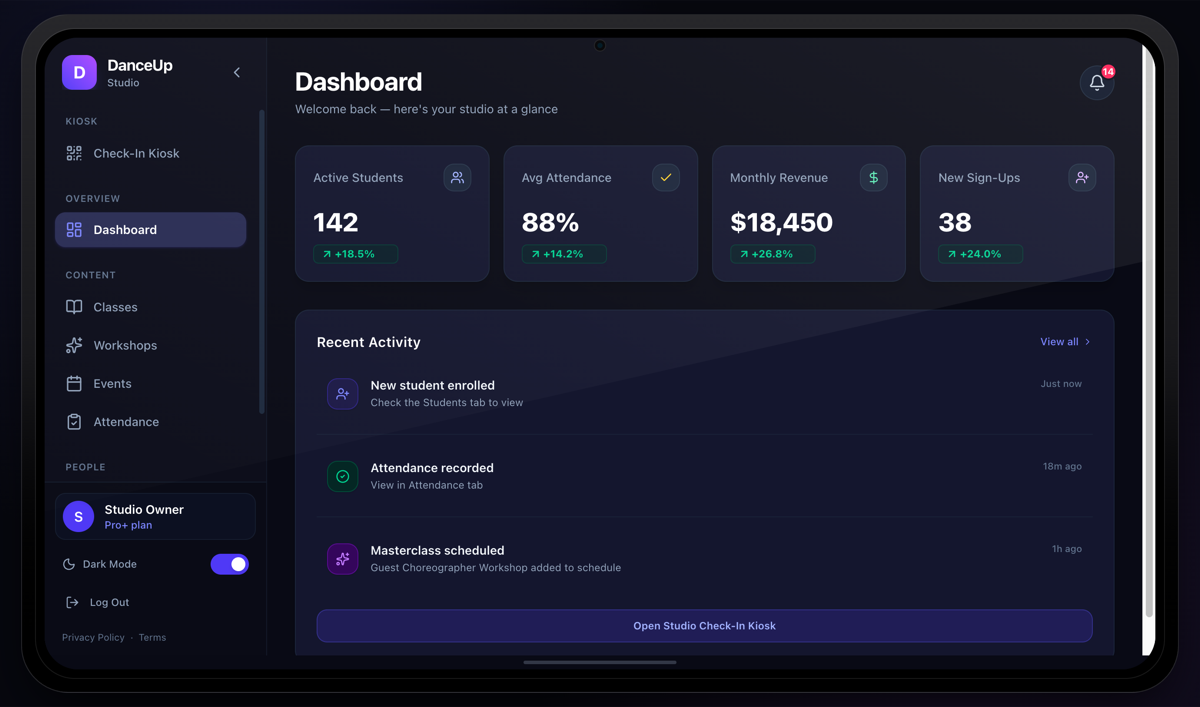
The studio's command center — scheduling, rosters, payments, marketing, analytics.
iPad · App / Play Store
DanceUp Studio
The front desk, untethered from a desk — kiosk check-in and QR scanning on a tablet.
One shared backend
Firebase Cloud Functions + Firestore, one identity system, one project per environment.
One identity, many roles
Every studio owner is automatically a student too
A single DanceUp account can run a studio from the dashboard and separately book a private lesson at a different studio down the street — from the same login. One account can be enrolled at multiple, independently-owned studios at once, each with its own credit balance and attendance history.
The richest integration story
Four ways to check in, one attendance record
Every check-in lands in the same attendance record, marked as a self check-in or checked in by the studio, and all four roll up into the same reporting on both the web dashboard and the tablet.
Users Mobile
Auto check-in
Schedule-based, opt-in per class — checks a student in automatically in the 30-minute window before class.
DanceUp Studio tablet
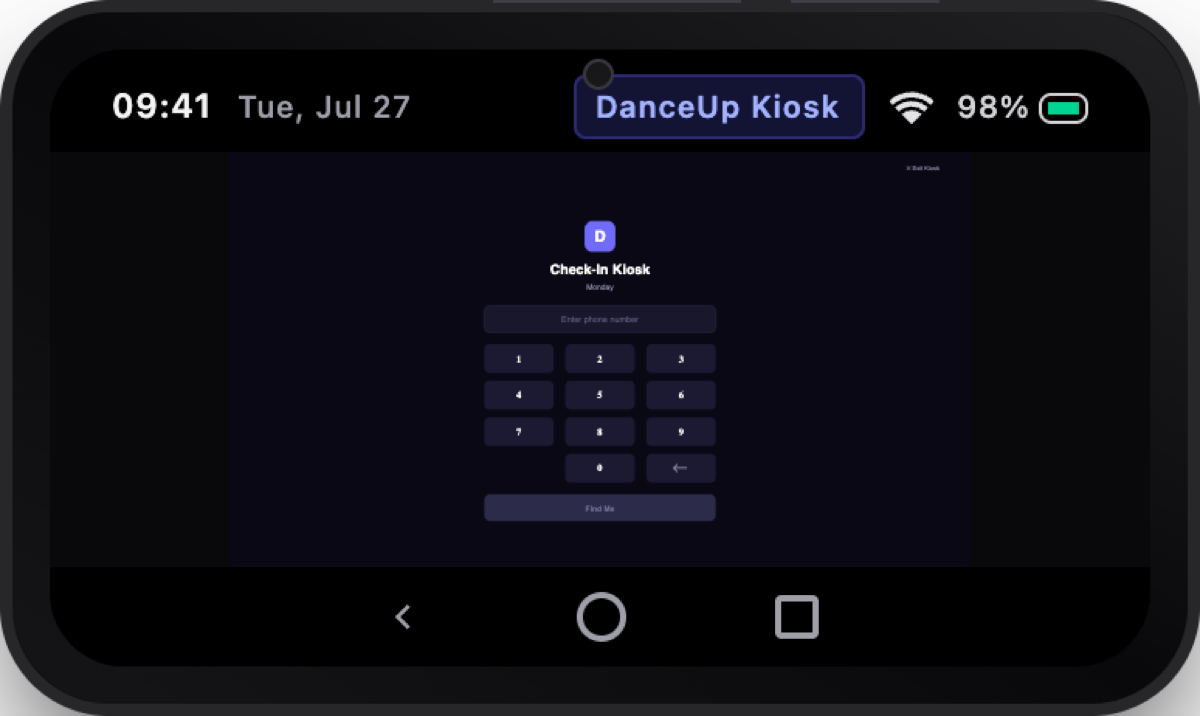
Self-service kiosk
A walk-in types the last digits of their phone number, picks themselves from the matches, and taps their class.
Web dashboard or tablet
Staff-assisted
Front-desk staff check a student in directly from their profile — the classic manual path.
Tablet scanner or app pass
QR / ticket check-in
For ticketed events and workshops — a purchaser's QR pass scanned at the door, instant confirmation.
The clearest demo of "seamless"
Kiosk Watch Mode
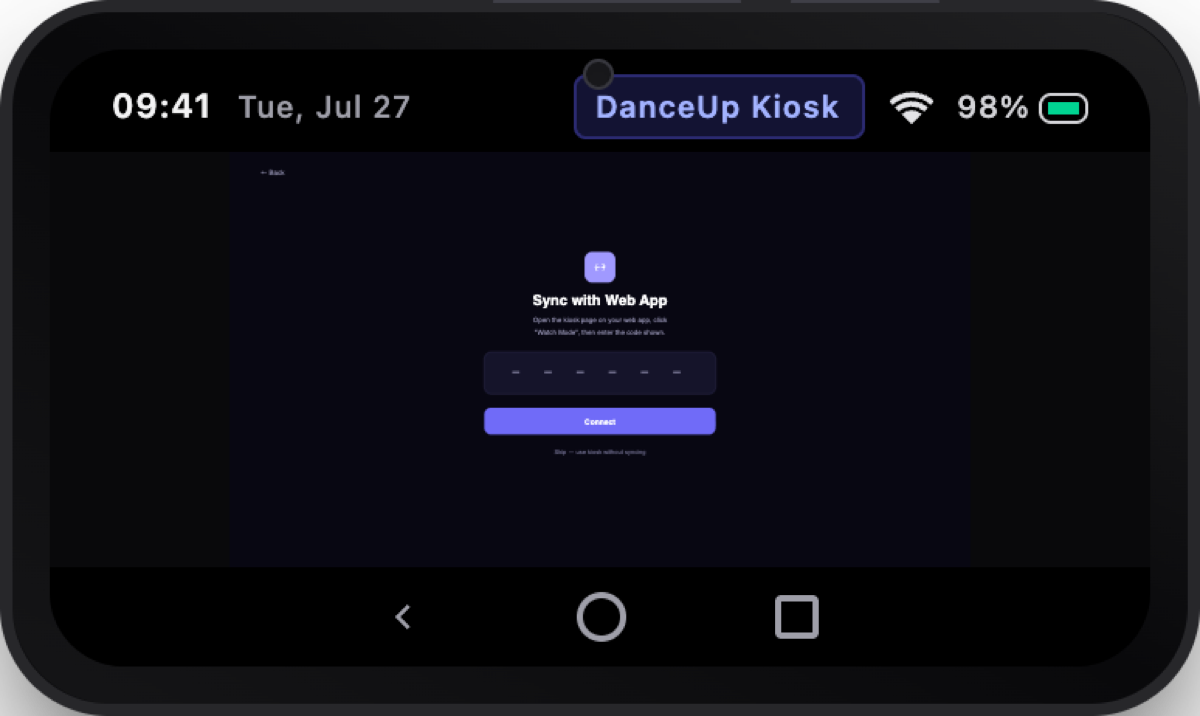
A studio owner pairs their tablet to the web dashboard with a one-time code, generated from the browser and typed into the tablet. From that point forward, every check-in at the front-desk tablet appears — with a toast notification — on the owner's web dashboard, whether they're standing at the front desk or watching from across town.
Type a phone number on the tablet. Watch it appear on the laptop seconds later.
More ways nothing lives in a silo
Shared catalog, zero sync delay
A class published from the web dashboard or the tablet is bookable by a dancer searching nearby a minute later — same data, no separate publishing step.
The full booking-to-payment loop
A dancer books and pays through Stripe; the sale lands in the owner's Notification Center immediately, and private-lesson requests appear in the Bookings queue to confirm.
Notifications tie the loop together
Push notifications to dancers and an in-app notification center for owners fire off the same underlying events — new bookings, check-ins, purchases, reviews.
The waitlist-to-notification handoff
A studio-side cancellation that opens a spot in a full class automatically notifies the next waitlisted student — no manual work by staff.
Reviews as a two-way conversation
A review posted from the dancer app is immediately visible on the studio's public profile and in the owner's Reviews analytics, where they can respond publicly.
Consistent everywhere
The same genre/level taxonomy, rooms, and schedule model whether staff are managing from the web dashboard or the tablet — no re-entering data twice.
Get the mobile apps
Each side of the platform has its own mobile app, purpose-built for how that person actually works or dances.
For studio owners & staff
DanceUp Studio
The front-desk companion to the web dashboard — kiosk check-in, QR scanning, and studio management, built for a tablet.
See everything it doesFor dancers, students & parents
DanceUP
Find studios, book classes and private lessons, and never think about checking in again.
See everything it does